



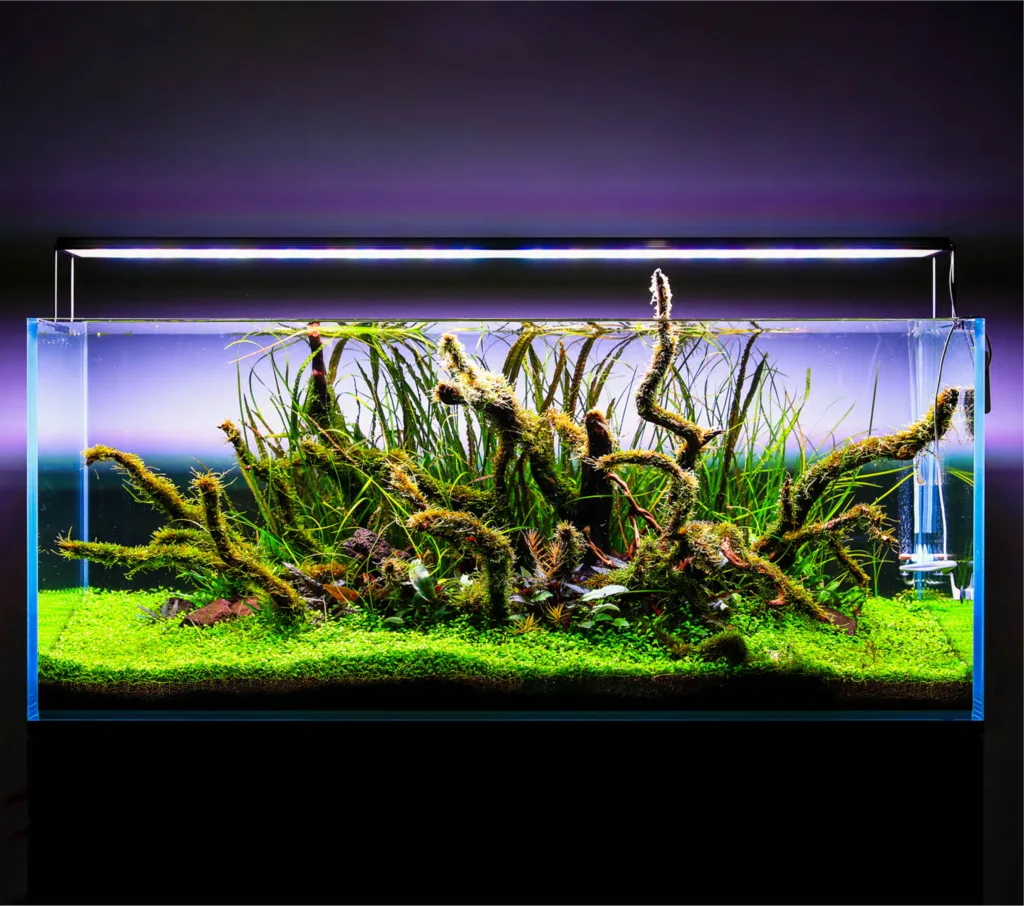
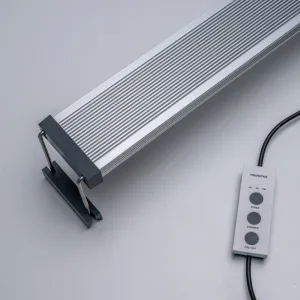
If you have recently set up your first planted tank and invested in the beautiful New Twinstar Light E-Line V, you are already on the right track to a stunning aquascape.
However, it is completely understandable to feel frustrated when you come home from a long day at work only to find your new aquarium has turned into a bowl of green pea soup.
Here is exactly how to tame your light, clear up that green water, and finally enjoy your tank.
Before You Start: Light Must Be Balanced
A frequent misconception is that buying a premium light means you should run it at maximum power to get maximum plant growth. In reality, the New Twinstar E-Line V is a powerhouse. Aquarium lighting works together with plant mass, nutrients, CO2, filtration, and maintenance. A powerful light is not a problem by itself, but when light intensity is higher than the plants can currently use, algae will take advantage of the imbalance.
In new setups, your aquatic plants are still growing their roots and adapting to their new environment. Because they are stressed, they aren’t absorbing nutrients efficiently. If you provide intense light during this fragile stage, the plants can’t use it – but the algae happily will.
A good beginner rule is simple: start lower, observe the tank, and increase slowly only when plants are growing well and algae is under control.
Understanding Your Bluetooth Controller
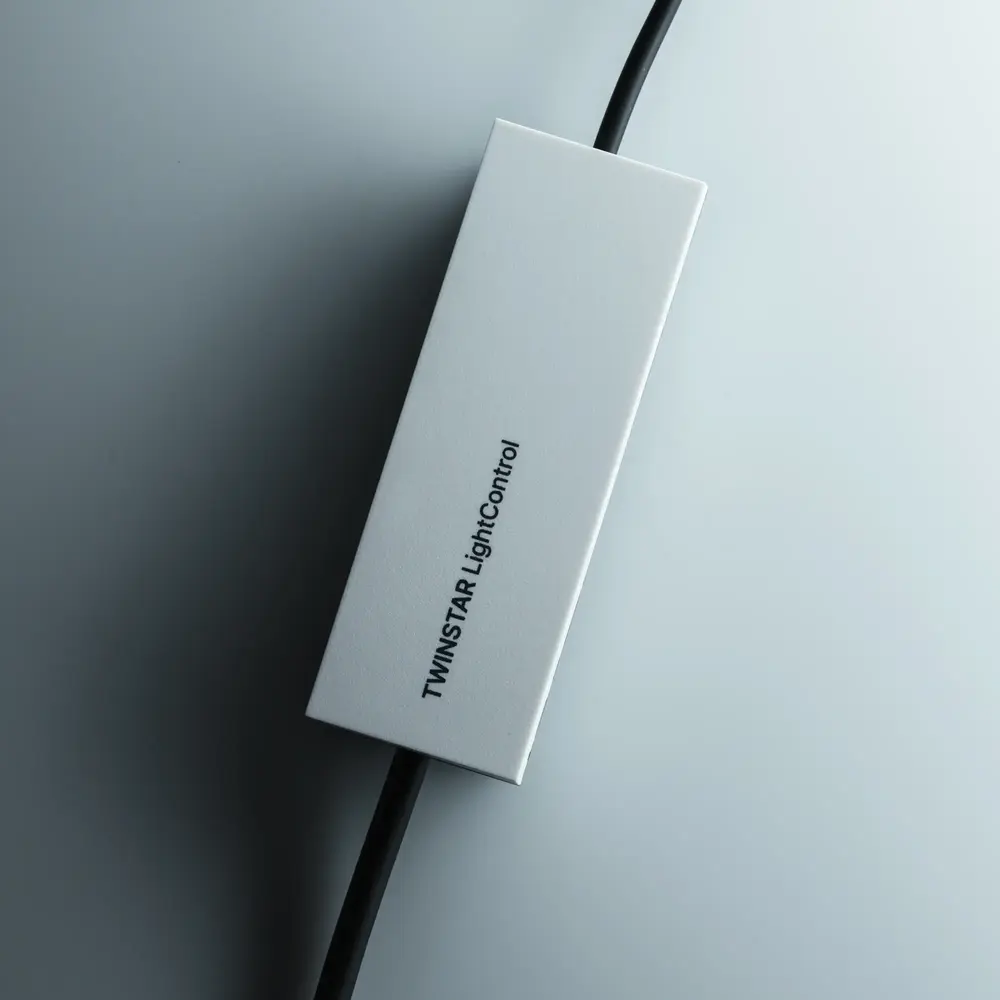
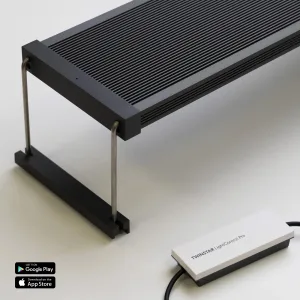
Before we jump into the settings, let’s quickly review what the Bluetooth controller included with your New E-Line V actually does so you can easily apply these settings. By pairing it with the TWINSTAR LightControl smartphone app, you get incredibly precise, smart control over your tank:
- Adjustable Brightness: Instead of being locked into a few presets, the app allows you to fully customize your light intensity.
- 24-Hour Timer: You can set exactly when the light turns on and off to fit your specific schedule.
- Sunrise/Sunset Simulation: The app allows you to program up to a 60-minute gradual ramp-up and ramp-down, which looks incredibly natural and prevents startling your fish.
5 Twinstar Settings for Beginners
Here are five specific configurations tailored to your tank’s current stage, designed to clear up your algae and keep your setup low-maintenance using the TWINSTAR app.
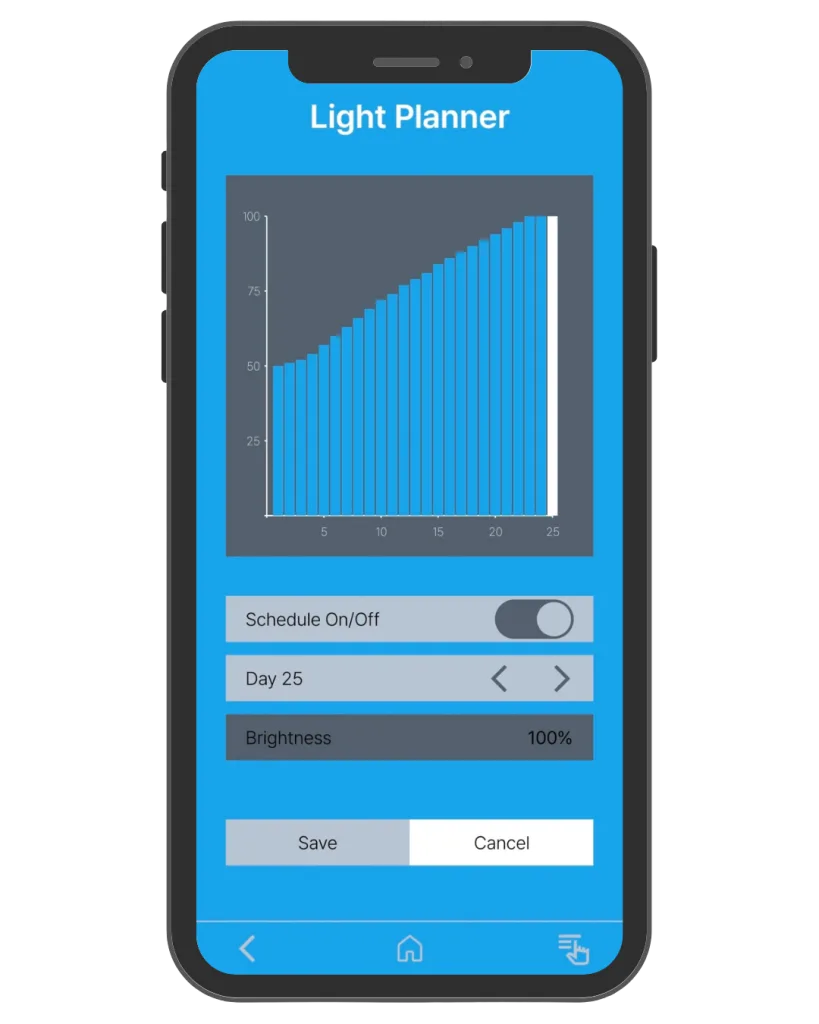
1. Safe Start Setting for a New Planted Tank (Days 1 to 30)
Best for: Brand-new aquariums, fresh aquascapes, and first planted tanks.
- Duration: 6 hours per day
- Intensity: Low to medium (~40-50%)
- Use when: The aquarium is newly planted or still cycling.
This is the safest starting point for most beginners using the New Twinstar Light E-Line V. A new planted aquarium is still developing biological stability. Using too much light during the first weeks can make algae appear before the plants are strong enough to compete. A 6-hour photoperiod at a lower intensity gives them time to mature and root without fueling algae. Keep this setting in the app for the first few weeks, increasing slowly only when the tank is stable.
2. Algae Recovery Setting
Best for: Beginner tanks with green water, hair algae, green dust algae, or early algae outbreaks.
- Duration: 5 to 6 hours per day (temporarily)
- Intensity: Low (~30%)
- Use when: Algae is increasing faster than plant growth.
If your first planted tank starts to look green, do not panic! Algae is very common in young aquariums. You need to restrict the light immediately to starve the algae. Reduce the lighting duration and intensity for one to two weeks via your Bluetooth controller. During this period, clean the glass, perform regular water changes, and avoid overfeeding. Once the tank is balanced, increase the lighting slowly.
3. After-Work Viewing Schedule
Best for: Aquarists who mainly enjoy their aquarium in the evening.
- Duration: 6 to 8 hours per day
- Intensity: Low/medium for new tanks (~40%), medium for stable tanks (~60%)
- Use when: You want the aquarium to look good when you are home.
Many beginners program the light to turn on in the morning and leave it running until late at night, creating a photoperiod that is far too long and practically guarantees algae. A better approach is to shift the schedule. The Trick: Use the app’s 24-hour timer to start the photoperiod at 2:00 PM or 3:00 PM. An 8-hour schedule will now run perfectly until 10:00 PM or 11:00 PM. The tank will be illuminated exactly when you are home to relax and view it.
4. Easy Low-Tech Aquarium Setting
Best for: Aquariums without pressurized CO2.
- Duration: 6 to 8 hours per day
- Intensity: Low to medium (~50-60%)
- Use when: You keep easy plants and want a stable, low-maintenance aquarium.
Low-tech planted tanks usually perform best with controlled lighting. Without injected carbon dioxide, plants hit a “speed limit” on how fast they can grow and cannot always use very strong light efficiently. Giving them 100% light with no CO2 will just result in more algae. Around 50-60% intensity is the sweet spot for pristine, slow-growing, low-tech tanks focusing on easy plants like Anubias, Java Fern, or Cryptocorynes.
5. Balanced Beginner Aquascape Setting (Stepping Up)
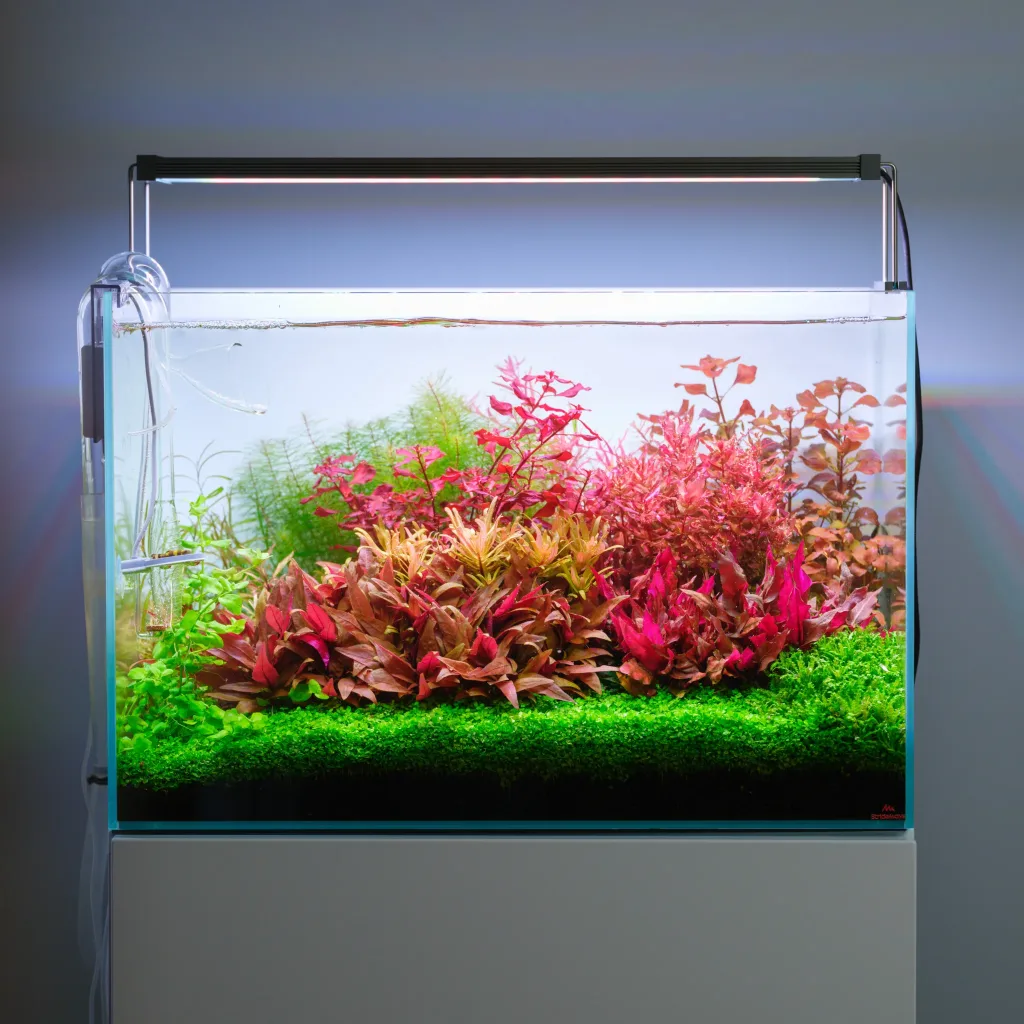
Best for: Planted tanks with good plant mass, regular fertilization, and stable maintenance.
- Duration: 8 hours per day
- Intensity: Medium (~70-85%)
- Use when: The aquarium has passed the first few weeks, green water is gone, and plants are actively growing.
Once your plants are visibly growing new leaves and outcompeting algae for nutrients, you can safely bump up the power in the app. This is a great everyday setting for beginner aquascapes that have settled. It provides enough light to encourage denser growth and brighter colors without pushing the aquarium too aggressively.
Fine-Tuning Your New Twinstar E-Line V
How to Know If Your Setting Is Too Strong
Your aquarium light may be too strong if you notice green dust algae appearing quickly on the glass, hair algae growing on slow-growing plants, green water in a new setup, or excessive algae on rocks and wood. Your first correction should be to open your app and either dial back the intensity percentage or shorten the timer.
How to Know If Your Light Setting Is Too Weak
Your light may be too weak if plants become pale, stretch upwards, lose compact growth, or fail to spread despite stable nutrients and CO2. However, increasing the light should be done carefully! More light increases plant demand for CO2 and nutrients. If those aren’t available, stronger lighting will just create algae.
Recommended Beginner Starting Points Cheat Sheet
- New Planted Tank: 6 hours per day at ~40-50% intensity.
- Low-Tech Aquarium: 6 to 8 hours per day at ~50-60% intensity.
- Stable Aquascape: 8 hours per day at ~70-85% intensity.
- After-Work Schedule: 6 to 8 hours per day, timed in the app to turn on in the afternoon.
- Algae Recovery: 5 to 6 hours per day at ~30% intensity.
Final Thoughts from Bluviva: Make One Change at a Time
One of the most common beginner mistakes is changing too many things at once. If algae appears, avoid adjusting the lighting, fertilizer, CO2, water changes, and feeding all on the exact same day. Instead, change one factor, observe the result for at least a week, and then adjust again if needed.
Having an algae outbreak on your first try doesn’t mean you have a “brown thumb”, it just means you have a very powerful light. The New Twinstar Light E-Line V combined with its Bluetooth controller gives planted tank owners a clean, beautiful, and highly customizable lighting platform, but the best results come from balance. Start gently with your app set to 6 hours at a lower intensity, watch your plants, let the aquarium mature, and enjoy the journey.



Hello,
Twinstar has solved the problems with the new controller?
They claims that the dual timer function, plant start (60 day) function and preset function are only available for lights that are produced after February
Hi.
We don’t have any information from Twinstar about the release of that functions, that are still in test. So far is not available in the market.