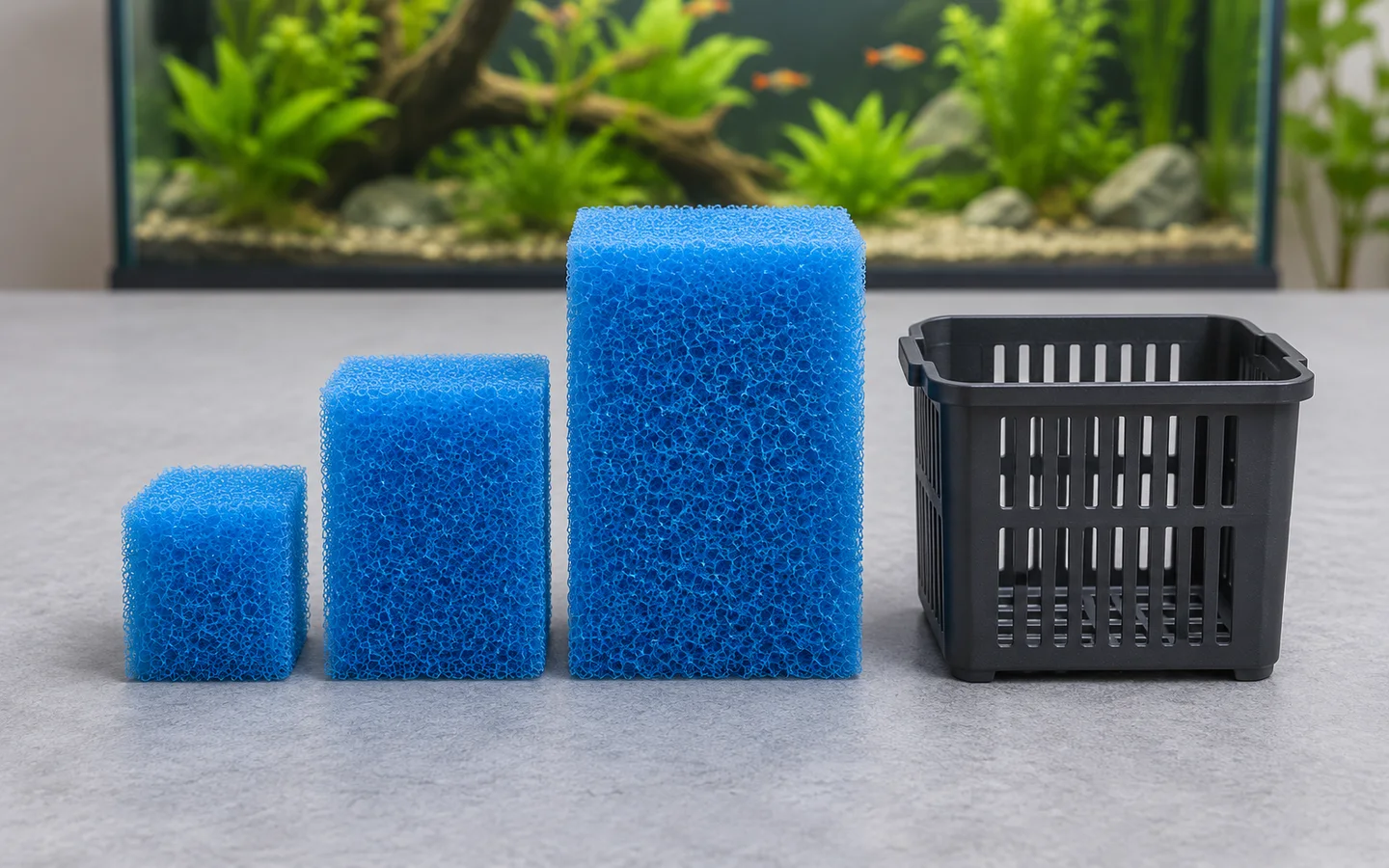
Match JUWEL Bioflow filter media to the filter installed in your aquarium, then check the product reference. Bioflow ONE, Super, M, L and XL do not all take the same consumables. M, L and XL also appear under the names 3.0, 6.0 and 8.0. A shared sponge reference does not mean that two filters use the same basket, pad or complete media arrangement.
This guide helps you identify the filter family and read the replacement references. It covers standard JUWEL media for the models below, rather than choosing a new filter by aquarium volume or prescribing a complete maintenance routine.
Start with the filter, not the aquarium name
Look for the filter designation in the aquarium passport or the instructions supplied with the filter. If the aquarium was bought second-hand, check that the equipment still matches those documents. A previous owner may have changed the filter or its contents.
- Record the filter family: ONE, Super, M, L or XL. Keep any older number shown in the paperwork.
- Identify the component: a blue sponge, white bioPad, media basket and circulation pump are different replacement parts.
- Match the reference: compare the relevant entry below with the product label and the manual for that filter.
Do not select a spare from the aquarium’s capacity alone. For the complete system, the JUWEL Bioflow filter page is a separate destination from the replacement sponge listings.
Bioflow media compatibility at a glance
The references below follow JUWEL’s compatibility chart. The older names in brackets are the paired designations used in JUWEL’s spare-parts information.
| Installed filter | bioPlus fine | bioPlus coarse | bioPad |
|---|---|---|---|
| Bioflow ONE | 88021 | Not listed | Not listed |
| Bioflow Super | 88051 | Not listed | 88038 |
| Bioflow M (3.0) | 88051 | 88050 | 88049 |
| Bioflow L (6.0) | 88101 | 88100 | 88099 |
| Bioflow XL (8.0) | 88151 | 88150 | 88149 |
“Not listed” means that JUWEL’s chart has no entry for that component in that model. It is not a recommendation to add another sponge or adapt the housing. Follow the arrangement in the instructions for your own filter.
Why Super and M need a second check
Bioflow Super and M both list 88051 for bioPlus fine. That shared reference can be misleading if you are shopping for several parts together. Their white bioPad references differ: 88038 for Super and 88049 for M.
The baskets are different too. JUWEL lists basket 85170 for Super and 85171 for M/3.0. One matching sponge therefore does not establish compatibility for a whole replacement basket or media kit. Check each component separately.
Fine sponge, coarse sponge or white pad?
The product names describe different media. JUWEL presents bioPlus fine as a fine-pored sponge used primarily for biological filtration. BioPlus coarse is a coarser sponge used for mechanical and biological filtration. The white bioPad is a mechanical pre-filter that catches larger dirt particles before they reach the other media.
Colour is only a starting point. A blue sponge still needs the correct pore type and reference. When opening the JUWEL bioPlus Fine replacement sponge listing, select the size that corresponds to the fine-sponge reference in your filter’s row, rather than treating all blue media as interchangeable.
Bioflow ONE has its own arrangement
The Bioflow ONE instructions describe two blue bioPlus fine ONE sponges. Do not transfer the stacked-media arrangement from a Super or M/L/XL diagram into a ONE simply because all carry the Bioflow name.
Use the ONE manual for its maintenance instructions as well. A replacement interval printed for another Bioflow system or a general filter-media page is not automatically the schedule for your unit.
Can the pump identify which sponge you need?
A pump label identifies the pump. It does not, on its own, establish every part of the filter surrounding it, particularly in a used or modified aquarium. Keep pump selection separate from the media lookup.
If the part you need is the motor unit rather than a sponge, use the JUWEL Eccoflow replacement pump page and confirm the fit with the filter’s instructions. The media table above is not a pump compatibility table.
Before fitting the replacement
Disconnect all electrical devices operating in the water from the power supply before reaching into the aquarium. Follow the fitting and maintenance instructions for the exact filter model. JUWEL also advises against replacing all blue filter media at the same time.
If you cannot identify the filter, pause the purchase and record the housing, existing media and any labels. Resolve the family first. The useful order is filter family, component name, then reference; a familiar aquarium name or a similar-looking sponge is not enough.